
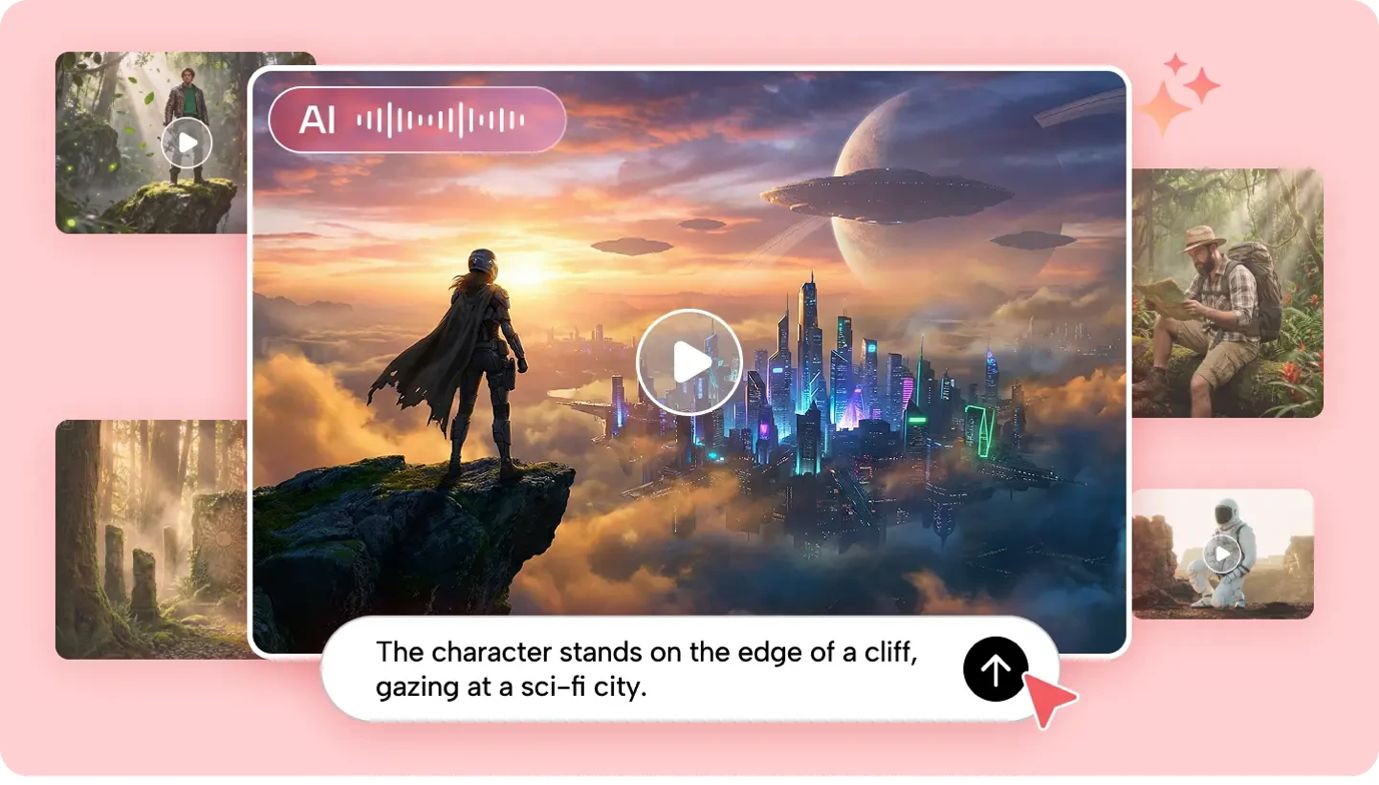
A short video can be close to what you imagined and still need another moment: the camera stops before an action finishes, the scene needs a quieter opening, or an otherwise useful shot contains an element that does not belong. Seedance 2.5 Flash supports video editing and extension workflows, giving creators another way to develop an existing clip instead of always beginning with a blank prompt.
These capabilities serve different creative decisions. Editing asks the model to change something within a source video. Extension asks it to continue the sequence beyond an existing boundary. Knowing which task you are directing—and what the model needs to preserve—makes the result easier to plan and review.
Start with the decision: Edit, extend, or make a new clip?
Before writing a prompt, watch the source from beginning to end and identify exactly what is missing. Three questions can point to different approaches.
If the timing and overall shot work but one visual element needs to change, try an edit. For instance, a fictional room might need a warmer lamp, a different background color, or the removal of an unwanted object. The source video remains the creative starting point, while the prompt describes the requested change.
If the existing action stops too soon, extension is the more relevant task. A character reaching for a door might need a few moments afterward to open it. A backward extension could explore what happened before the hand reached the door.
A completely new generation may be more useful when the composition, setting, and action all need to change. It is difficult to evaluate a requested edit when there is no clear agreement about what should remain from the source.
These are creative options rather than promises of frame-perfect control. Keep the original clip available so the generated result can be compared with it.
What video editing means in a generative workflow
In a conventional editor, a creator may trim a clip, adjust a color curve, or place a title on a separate track. A generative edit starts with an instruction describing a desired change, then produces a new interpretation of the video.
A useful instruction names the target, the change, and the elements that should remain stable. Consider a shot of a paper lantern on a table:
“Change the lantern from blue to warm orange. Keep its folded shape, the table, the lighting direction, and the slow camera movement.”
This prompt identifies a specific object and gives the model a boundary. It does not require the creator to describe the entire room again. After generation, compare the lantern, table, background, and camera movement with the source to see how closely the result matches the instruction.
By contrast, “make the video more beautiful” leaves the model to decide what beauty means and which elements to change. A broader direction can be useful when exploring alternatives, but it is less useful when the team has already approved the composition.
Add or remove an element
An edit can introduce an object or remove a distraction. For example: “Add a small plant to the far corner of the room; keep the person and camera movement unchanged.” Or: “Remove the cup from the table while keeping the rest of the scene consistent.”
Review the surrounding area carefully. Removing an object means the model must interpret what should appear behind it; adding one requires it to fit the light, perspective, and motion of the scene. Check whether the change remains coherent as the camera moves.
Change the visual treatment
A creator can ask for a shift in mood or environment: softer daylight, a warmer interior, or a different visual treatment. Describe the effect in visible terms and identify any details that should remain recognizable.
For example: “Change the cool lighting to warm evening light while keeping the furniture and camera angle consistent.” This gives the model a more focused instruction than asking it to make the room “more inviting.”
Large changes may also affect colors, shadows, and textures beyond the intended target. If the subject must remain exact, compare it against the original and consider retaining verified elements in a conventional edit.
How video extension works
An extension uses an existing clip as the basis for generating additional material before or after it. The source provides context such as the subject, setting, movement, and visual style. The prompt explains which direction the story should continue and what should happen.
Imagine a clip that ends as a paper boat reaches the edge of a puddle. A forward extension might ask: “Continue the video. The paper boat drifts slowly past a fallen leaf while the rain becomes lighter.” A backward extension might ask for the moments before the boat enters the frame.
Forward and backward refer to where the new action belongs relative to the source, not necessarily to a camera moving forward or backward. Make that distinction explicit so the model has a clear temporal instruction.
The most natural continuation usually grows from the boundary of the existing footage. If the subject is already moving left, a sudden rightward leap needs an explanation or a deliberate cut. If the source ends with a hand on a door, opening the door is a more direct continuation than introducing an unrelated setting without a transition.
Build an extension prompt around the boundary
The final or opening moments of the source carry useful information. Pause at the boundary and note the subject’s position, camera angle, direction of movement, lighting, and any sound that should continue.
Then write the request in three parts: identify the source, state whether to continue before or after it, and describe the next action. Add the elements that matter for continuity.
For example: “Continue after the source video. The person gently opens the door and steps into the room. Keep the camera at the same distance and preserve the soft hallway lighting.”
If the movement needs more time, say so in ordinary language: “Continue for a few seconds as the person opens the door slowly.” Rather than stacking several dramatic events into one request, begin with the next meaningful action and review whether it connects naturally.
For a backward extension, reverse the planning question: what must happen immediately before the existing opening? “Extend the video backward to show the person walking toward the door, ending with their hand reaching the handle.” This gives the model a destination that relates to the first frame of the source.
A practical example: Developing one short sequence
Suppose a creator has a fictional clip of a lantern glowing on a windowsill. The rain outside is visible, but the clip ends just as the curtains begin to move. The creator wants the scene to feel complete without replacing the idea that already works.
First, identify what to keep: the lantern’s shape and color, the position of the window, the soft indoor light, and the quiet pace. The original clip becomes a reference for those decisions.
Next, write an extension instruction: “Continue the scene as a gentle breeze moves the curtain away from the lantern. Rain remains visible through the window; the camera stays still and the warm light continues.”
After generating, compare the transition. Does the curtain move from a plausible position? Does the lantern keep its shape? Does the lighting change abruptly? If the sound is carried into the continuation, listen for a sudden change in rain or room ambience.
If the extension introduces too much movement, simplify the prompt. Keep the curtain as the primary action and remove secondary events. If the join still feels distracting, a cut to a closer view or a brief transition in an editor may communicate the same idea more cleanly.
The example is a proposed workflow, not a reported test. Its purpose is to show how a creator can translate a vague request for “more atmosphere” into a specific next action.
How references help guide a revision
Sometimes the source clip shows what should remain, while another reference clarifies what should change. A creator might supply an image showing the desired lantern color or a video illustrating a gentle curtain movement.
Explain each reference’s role in the prompt. “Use the source video for the room and camera movement; use the image as a guide to the lantern’s shape” is clearer than providing two files and asking for a general improvement.
References are especially helpful when an object is hard to describe. A distinctive handmade shape, for example, may be easier to communicate visually than through several sentences. But a reference does not guarantee exact reproduction. Inspect the output as the object moves and at points where it is partially hidden.
Use material you have the necessary rights to upload and adapt. If the scene contains a recognizable person or a real product, take particular care that an edit does not create a misleading statement, endorsement, or feature.
Review the result at the join
An extension can look convincing in isolation and still reveal a noticeable transition when played with its source. Review the combined sequence rather than judging only a still frame.
Look for changes in position and motion. A hand that reaches for a handle should not suddenly appear on the opposite side of the door. A slow camera movement should not become a sharp turn without creative intent. Check the background as well as the main subject: windows, furniture, and light sources can shift.
Listen to the transition separately. A change in volume or ambience may be more noticeable than a small visual difference. If needed, adjust the sound in an editor, add a short crossfade, or replace the generated ambience with a suitable licensed recording.
Pay attention to duration and composition. The new material should give the action enough time to make sense without extending a quiet moment so long that it loses purpose. Review the video in its final framing to make sure the subject remains visible.
When a conventional edit is the better choice
Generative editing is useful when the desired change involves new visual content or an alternative interpretation of a scene. It is not automatically the best tool for every correction.
If a clip only needs to begin one second later, trimming it is direct and predictable. If a headline must use an exact spelling and font, add it as editable text. If a real product label must remain accurate, use approved product material rather than relying on a generated approximation.
A hybrid workflow can combine both approaches. Generate a continuation that supplies the missing movement, then adjust its timing, sound, and captions in a conventional editor. The decision is about which tool offers the control needed for that part of the job.
Working with more than one model
A creator can also explore a separate revision or continuation using Seedance 2.5. The source clip, prompt, and relevant references can carry the creative direction into that workflow, but the output is another generated candidate that needs its own review.
Do not assume that using a different model automatically improves the same frames or preserves every element from an earlier result. Compare the outputs against the original purpose: which version completes the action, keeps the subject recognizable, and joins most naturally?
Make each revision answer a clear question
Editing and extension are most effective when the creator knows what needs to change. Ask whether the source needs a different object, a continuation of the action, or simply a more precise cut. Then keep the instruction focused on that decision.
Seedance 2.5 Flash gives creators a way to develop existing footage through new visual interpretations. The final judgment remains in the review: whether the revised or extended scene supports the story and works alongside the material already chosen.
DISCLAIMER – “Views Expressed Disclaimer – The information provided in this content is intended for general informational purposes only and should not be considered financial, investment, legal, tax, or health advice, nor relied upon as a substitute for professional guidance tailored to your personal circumstances. The opinions expressed are solely those of the author and do not necessarily represent the views of any other individual, organization, agency, employer, or company, including NEO CYMED PUBLISHING LIMITED (operating under the name Cyprus-Mail).



Click here to change your cookie preferences